Godot vs Unreal Engine for Solo Devs: The Shipping Secret
Compare Godot vs Unreal Engine for solo devs, analyzing architecture, compile times, and productivity to ship your game on schedule without burnout.
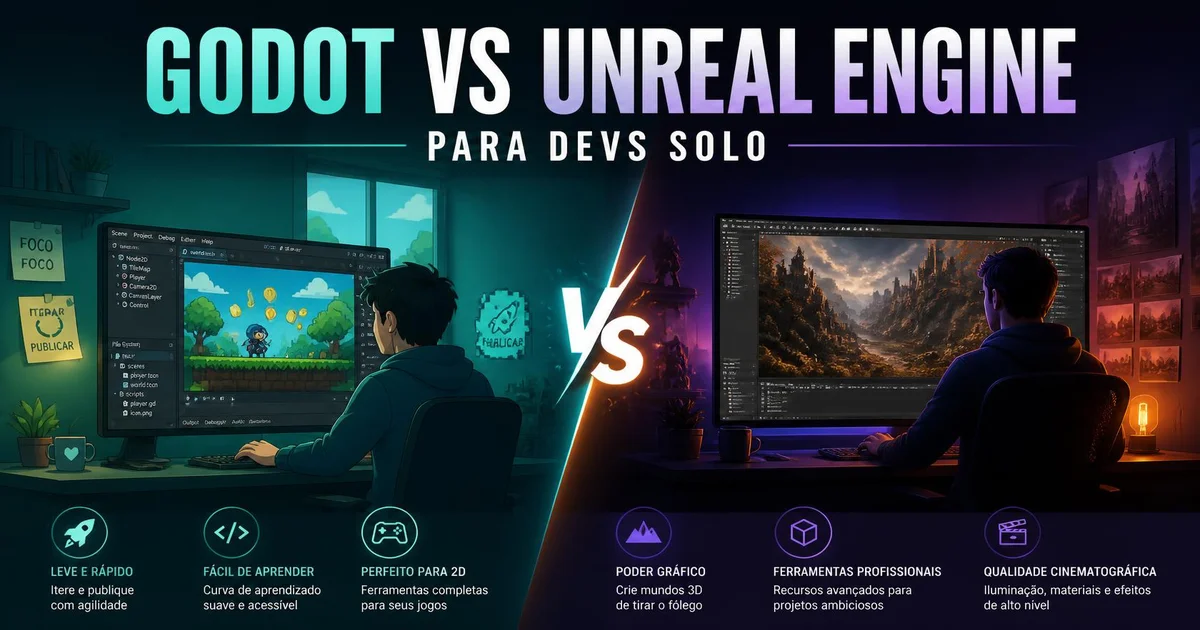
When I decided to build my own games without a support team, I quickly learned that the biggest bottleneck for a solo project isn't artistic talent or a lack of ideas—it's tool friction. The Godot vs Unreal Engine for solo devs debate isn't just a choice between two popular engines; it's a strategic decision about which software architecture you're willing to carry on your shoulders alone for the next two years. In 2026, with Godot 4.7.2 well established and the tool ecosystem becoming more demanding than ever, the line between shipping a game and abandoning it halfway comes down to iteration speed and how much weight your engine adds to your daily workflow.
In this article, I break down scene architecture, compile times, language learning curves, and real-world productivity for each engine from the strict perspective of a solo developer.
Why Does Engine Choice Determine Solo Developer Survival?
A solo developer juggles multiple roles simultaneously: programmer, level designer, technical artist, sound designer, and QA tester. When you work alone, every minute spent waiting for shadow maps to bake or dealing with editor crashes is a minute stolen from building core gameplay mechanics.
The survival of an indie solo project depends on radically reducing operational friction. A bloated engine imposes hardware bottlenecks and lengthy startup times that shatter flow state. On the flip side, an engine that is too bare-bones might force you to write complex physics, global illumination, or cloth simulation systems from scratch—wasting months of technical work that a feature-rich suite would have provided out of the box.
Striking the balance between autonomy and ready-made infrastructure is the ultimate game changer. If an engine requires a dedicated team of engineers just to keep project files organized, the solo programmer becomes a slave to engine maintenance instead of shipping game logic.
How Does Node Architecture Compare to Actor Hierarchy?
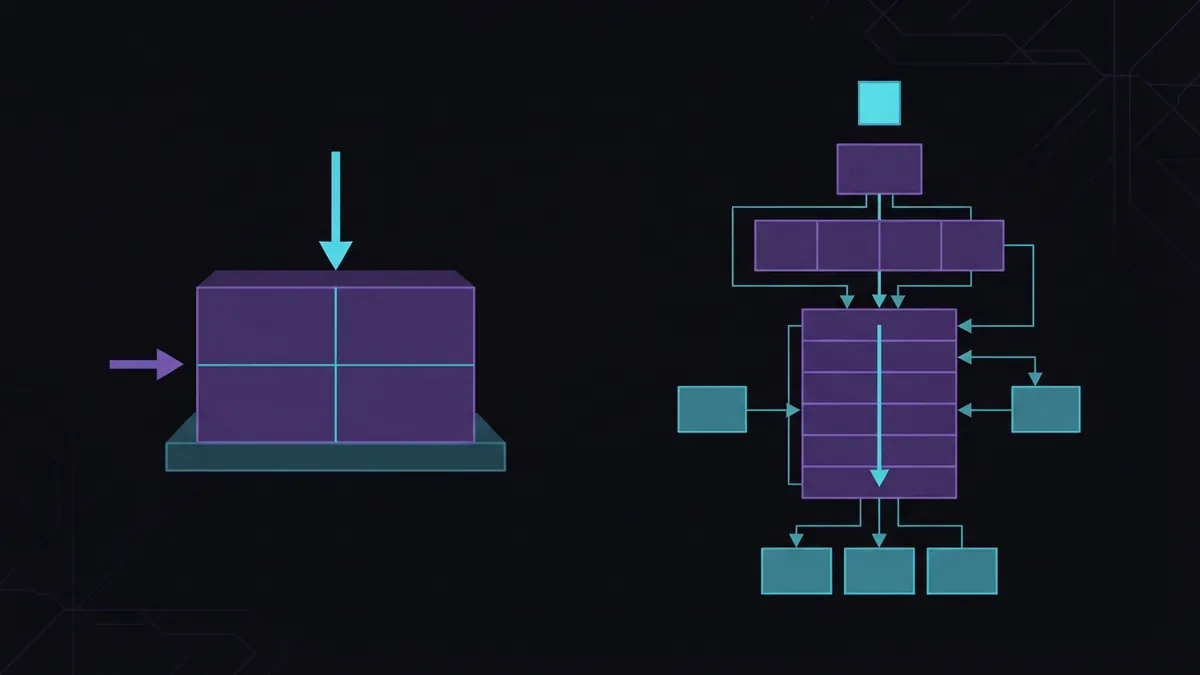
An engine's internal architecture dictates how you structure code and visual assets. Godot takes a minimalist, orthogonal approach centered around a tree of nodes (Node), where every game element is a reusable scene. Unreal Engine, by contrast, relies on a component-oriented model encapsulated within Actors (Actor) and Object classes (UObject), optimized for large-scale production.
In Godot 4.7.2, everything is a node. A scene can be a player character, a projectile, a UI menu, or an entire level. This symmetry massively simplifies refactoring for solo projects. If you need to turn a static object into a complex interactive entity, you simply save that node tree as a new scene and extend it without breaking references across your project—as demonstrated in our guide to procedural dungeon generation in Godot 4, where rooms and corridors are instantiated as self-contained scenes.
# Example of simple node extension in GDScript in Godot 4.7.2
extends CharacterBody2D

@export var move_speed: float = 300.0
@export var jump_impulse: float = -400.0

var gravity: float = ProjectSettings.get_setting("physics/2d/default_gravity")

func _physics_process(delta: float) -> void:
    if not is_on_floor():
        velocity.y += gravity * delta

    if Input.is_action_just_pressed("ui_accept") and is_on_floor():
        velocity.y = jump_impulse

    var direction := Input.get_axis("ui_left", "ui_right")
    velocity.x = direction * move_speed
    move_and_slide()
In Unreal Engine, the architecture stems from AAA industry standards. A controllable character isn't just a node—it's an instance of the ACharacter class, pre-configured with movement components (UCharacterMovementComponent), collision capsules, and skeletal meshes. The advantage of this setup is that complex mechanics like networked movement, slope walking, and character physics work out of the box. The downside for a solo dev is tight coupling: tweaking default behavior requires navigating a massive class hierarchy.
What Is the Impact of GDScript vs. C++ and Blueprints on Productivity?
Daily iteration speed in solo development depends directly on how long it takes to change a line of code and see the result on screen. Godot primarily uses GDScript, a dynamically typed language (with optional static typing) whose syntax mirrors Python 3.14.7. GDScript was designed specifically to integrate into the engine's execution cycle, enabling hot-reloading without full recompilation.
For a solo dev, tweaking code parameters and testing the scene in under two seconds yields unmatched prototyping speed. Beyond GDScript, Godot offers native C# support for developers who need raw performance for heavy numerical simulations.
In Unreal Engine, development is split between Blueprints (a visual node-based scripting language) and C++. Blueprints excel at fast prototyping and UI logic, allowing you to build full systems without touching text files. However, as a solo project grows, dense Blueprint graphs become notoriously hard to maintain and refactor without strict documentation.
// Example of custom C++ component in Unreal Engine
#include "CoreMinimal.h"
#include "Components/ActorComponent.h"
#include "HealthComponent.generated.h"

UCLASS(ClassGroup=(Custom), meta=(BlueprintSpawnableComponent))
class GAME_API UHealthComponent : public UActorComponent
{
    GENERATED_BODY()

public:
    UHealthComponent();

protected:
    virtual void BeginPlay() override;

public:
    UPROPERTY(EditAnywhere, BlueprintReadWrite, Category = "Health")
    float MaxHealth = 100.0f;

    UPROPERTY(VisibleAnywhere, BlueprintReadOnly, Category = "Health")
    float CurrentHealth;

    UFUNCTION(BlueprintCallable, Category = "Health")
    void TakeDamage(float DamageAmount);
};
When logic demands C++ in Unreal Engine for performance optimization, the solo developer absorbs the cost of native compilation. Even with Live Coding, recompile times and the cognitive load of Unreal's reflection macros (UCLASS, UPROPERTY, UFUNCTION) create a steep learning curve that slows down minute-to-minute tuning.
How Do Footprint Size and Memory Usage Impact Hardware?
The impact of project footprint on disk space and RAM is frequently ignored during initial planning. The Godot 4.7.2 editor binary is under 100 MB and requires no installation, running directly as a standalone executable. Projects launch in seconds, and idle RAM usage rarely exceeds 500 MB. This allows solo devs to work comfortably on mid-range laptops or budget workstations.
Conversely, a standard Unreal Engine installation can easily cross 100 GB of storage space, demanding high-end GPUs and at least 32 GB of RAM for a stutter-free editing experience during shader compilation and light baking. For solo developers importing Blender 5.2.1 assets, Unreal Engine offers high-fidelity automated imports via Datasmith and Nanite for high-density geometry without manual LOD creation.
While Unreal Engine's Nanite and Lumen technologies deliver stunning visuals with minimal manual setup, they require the solo dev to double as a performance optimization engineer to ensure the final build runs smoothly on target consumer hardware. In Godot 4.7.2, the Forward+ Vulkan rendering pipeline provides crisp visual fidelity for 2D and mid-scale 3D titles without overwhelming the developer's rig.
How Do You Align Technical Criteria in a Comparison Table?
Below is a detailed breakdown comparing key technical factors between both engines from a solo programmer's perspective:
| Evaluation Criterion | Godot 4.7.2 | Unreal Engine |
|---|---|---|
| Installation Size | ~100 MB (standalone executable) | >100 GB (full installation) |
| Primary Language | GDScript / C# | Blueprints / C++ with macros |
| Editor Boot Time | 2 to 5 seconds | 30 to 90 seconds |
| Learning Curve | Low to Moderate | High to Very High |
| Native 2D Support | Exceptional (dedicated 2D engine) | Limited (legacy Paper2D support) |
| Advanced 3D Rendering | Very Good (Forward+ / Vulkan) | Photorealistic (Nanite, Lumen) |
| Licensing & Costs | 100% Free & Open Source (MIT) | Free up to $1M (5% royalty after) |
| Builds & Deployment | Lightweight builds, fast export | Large build sizes, heavy binaries |
How to Choose: Godot vs Unreal Engine for Solo Devs?
The right choice hinges on your visual scope, available time, and workstation hardware. Neither engine is universally superior; there is only the right tool for the scale of project you can realistically ship without burning out.
You should choose Godot if your primary focus is:
- Building 2D games of any complexity (platformers, retro RPGs, top-down strategy).
- Creating stylized 3D games with moderate rendering overhead.
- Maintaining ultra-fast prototyping cycles via GDScript and instant engine startups.
- Retaining 100% ownership of your codebase with zero licensing fees or corporate terms.
- Working on modest hardware setups without sacrificing editor performance.
On the other hand, Unreal Engine makes sense when:
- The primary selling point of your game is next-gen, photorealistic 3D visuals.
- Your project relies heavily on advanced vehicle physics, dynamic destruction, or sprawling open-world lighting.
- You master or plan to specialize in enterprise C++ architecture and visual scripting via Blueprints.
- You own a high-performance workstation capable of handling massive shader compiles and multi-gigabyte project directories.
For a solo game developer, the most common pitfall is picking Unreal Engine purely for showcase demo graphics while underestimating the immense labor required to author assets at that fidelity without a full art team.
Conclusion
Evaluating Godot vs Unreal Engine for solo devs demonstrates that operational friction is the deciding factor in turning an idea into a released title. Godot 4.7.2's lightweight, modular architecture provides an environment where iteration is instantaneous, enabling a single programmer to construct, test, and polish full game systems without breaking momentum. Unreal Engine, on the other hand, provides an unmatched technological foundation for cutting-edge 3D graphics—demanding stricter architectural discipline and hardware muscle in exchange.
When planning your next project, take an honest assessment of your time constraints and system specs. Choosing the engine that minimizes daily friction is the single most important step toward crossing the finish line.