How to Program in Python: From Scratch to Your First Script
Learn how to program in python with this step-by-step guide. Set up your environment, learn basic syntax, and build your first script today.
If you want to break into software development, learning how to program in python is one of the best decisions you can make. Built to emphasize code readability, Python has established itself as one of the most versatile and popular programming languages in the industry today.
In this practical guide, you will learn what Python is, how to set up your development environment, and how to write your first working script today.
Why Learn How to Program in Python?
Python is a high-level, interpreted language with an intuitive syntax. In practice, writing Python feels close to writing plain English, significantly reducing the friction common to languages like C++ or Java.
Key advantages of picking Python include:
- Clean syntax: Fewer required symbols like curly braces or semicolons; visual code structure is enforced by indentation.
- Mature ecosystem: A massive library of third-party packages that speeds up development.
- Broad application: Widely used in web development (Django, FastAPI), task automation, system scripting, data science, AI, and game development.
1. How to Install Python on Your Computer
Before writing your first script, you need to configure the Python interpreter on your machine.
Windows
On Windows:
- Go to the official website at python.org.
- Download the latest stable release.
- Important: Check the box labeled "Add python.exe to PATH" before clicking next.
On Linux (Debian/Ubuntu and derivatives)
Python comes pre-installed on most Linux distributions. To ensure you have the latest updates and essential tools, run this command in your terminal:
sudo apt update && sudo apt install -y python3 python3-pip python3-venv
To verify the installation, open your terminal or Command Prompt and run:
python –version ou python3 –version
2. Choosing an Integrated Development Environment (IDE)
While you can write code in Notepad or directly in an interactive shell, using a dedicated editor speeds up learning:
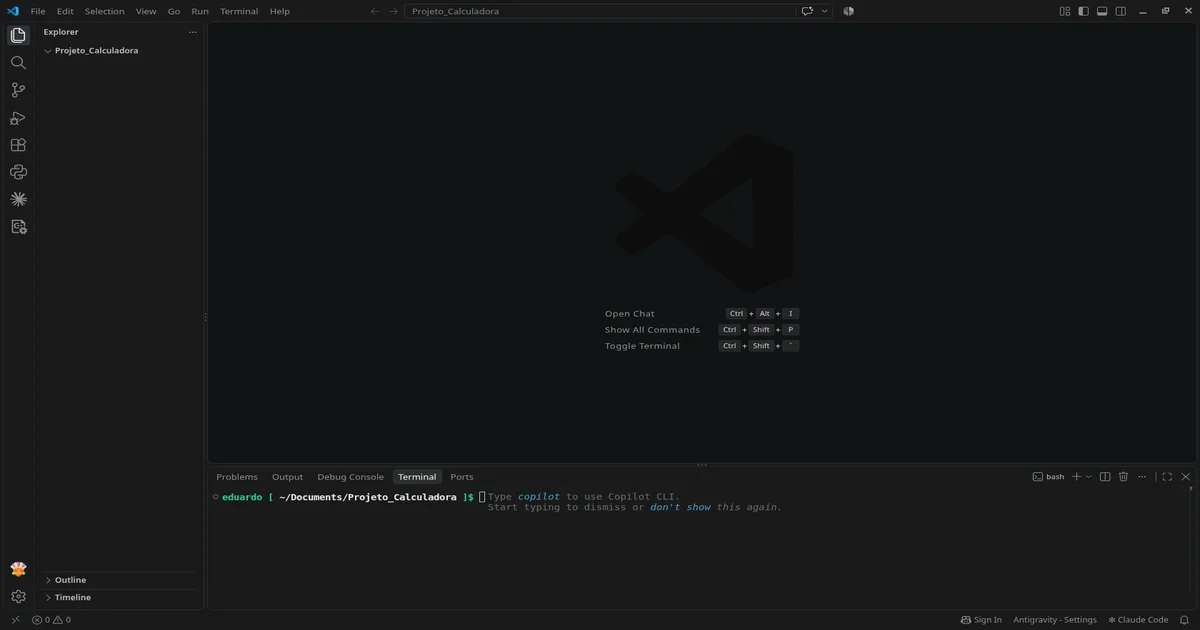
- VS Code (Visual Studio Code): Lightweight, modular, and offers an excellent official Python extension.
- PyCharm (Community Edition): A full-featured IDE built specifically for Python development.
- KDevelop: A lightweight IDE with an integrated visual debugger, great for complete beginners.
3. Core Concepts of Python Syntax
To start writing code, you only need to master four core concepts: variables, control flow, loops, and functions. A helpful mental model for programming logic is that every program relies on: DATA INPUT, DATA STORAGE, DATA PROCESSING, and DATA OUTPUT. If you are just starting out, keep this mental model in mind. Once you master these four pillars, you can learn any programming language. Now let's focus on Python.
Variables and Data Types
In Python, you do not need to declare variable types explicitly; the interpreter infers them automatically:
# Text (string)
nome = "Dev Iniciante"

# Integers (int) and floats (float)
idade = 25
altura = 1.75

# Booleans (bool)
gosta_de_programar = True

print(f"Olá, meu nome é {nome} e tenho {idade} anos.")
Conditional Statements (if, elif, else)
Used to control execution flow based on conditions:
pontuacao = 85

if pontuacao >= 90:
    print("Classificação: Excelente")
elif pontuacao >= 70:
    print("Classificação: Bom")
else:
    print("Classificação: Precisa melhorar")
Loops (for and while)
Allow you to iterate over collections or repeat instructions:
ferramentas = ["VS Code", "Terminal", "Git", "Python"]

for item in ferramentas:
    print(f"Ferramenta essencial: {item}")
Functions
Organize reusable blocks of logic:
def calcular_area_retangulo(base, altura):
    return base * altura

area = calcular_area_retangulo(10, 5)
print(f"A área calculada é: {area}")
4. Building Your First Practical Script: Interactive Calculator
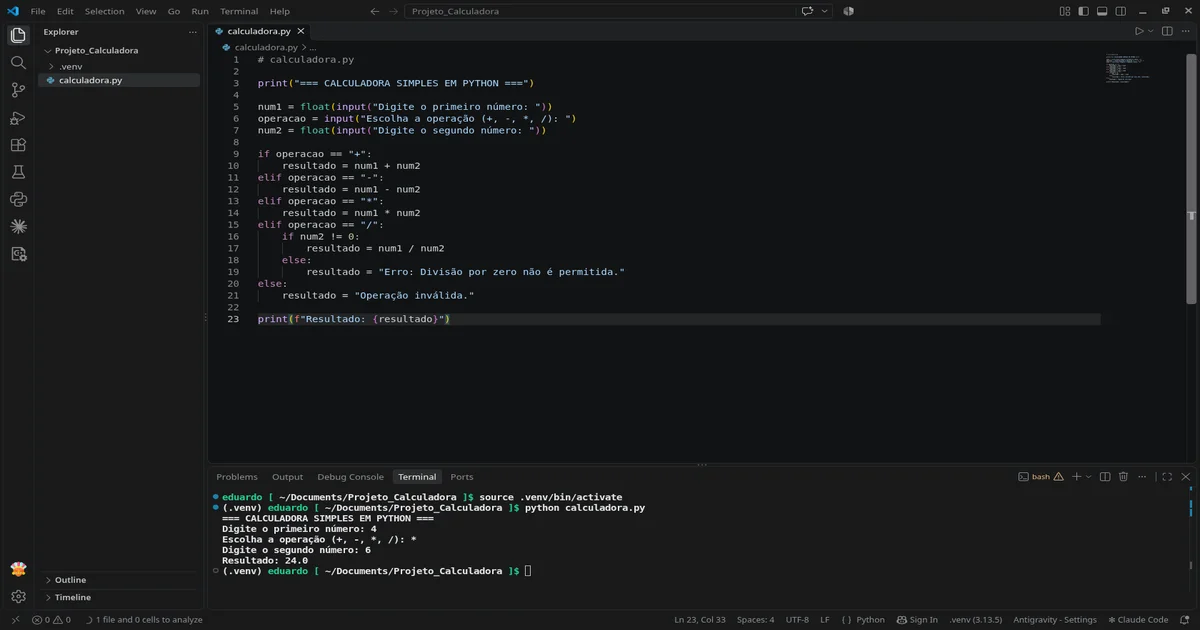
Let me show you how this works in practice. Create a file named calculadora.py and run it. This mini-project covers user input, type casting, and control flow. Before starting, you should isolate your environment by creating a virtual environment. Isolating dependencies prevents package conflicts and keeps system files safe, especially on Linux systems.
To create a virtual environment, ensure you have pip and venv (or virtualenv) installed. On Windows, these modules come bundled with Python. On Linux, install them using:
sudo apt install python3-pip python3-venv
Once pip and venv are ready, navigate to your project directory in the terminal and run:
python3 -m venv .venv
This creates a .venv directory inside your project folder.
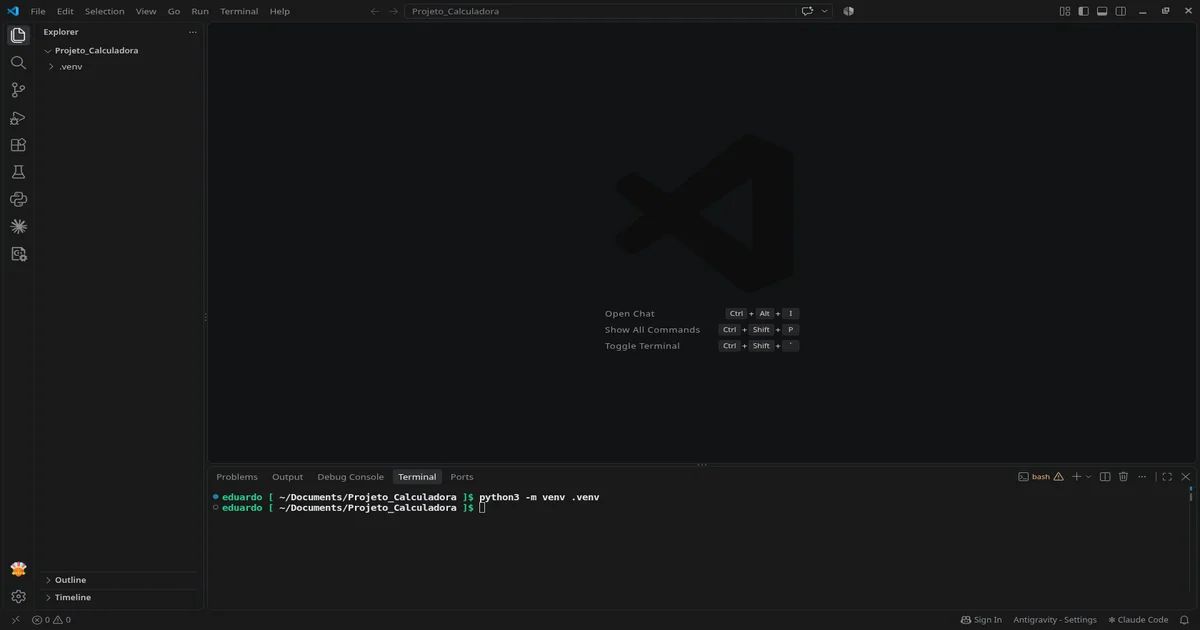
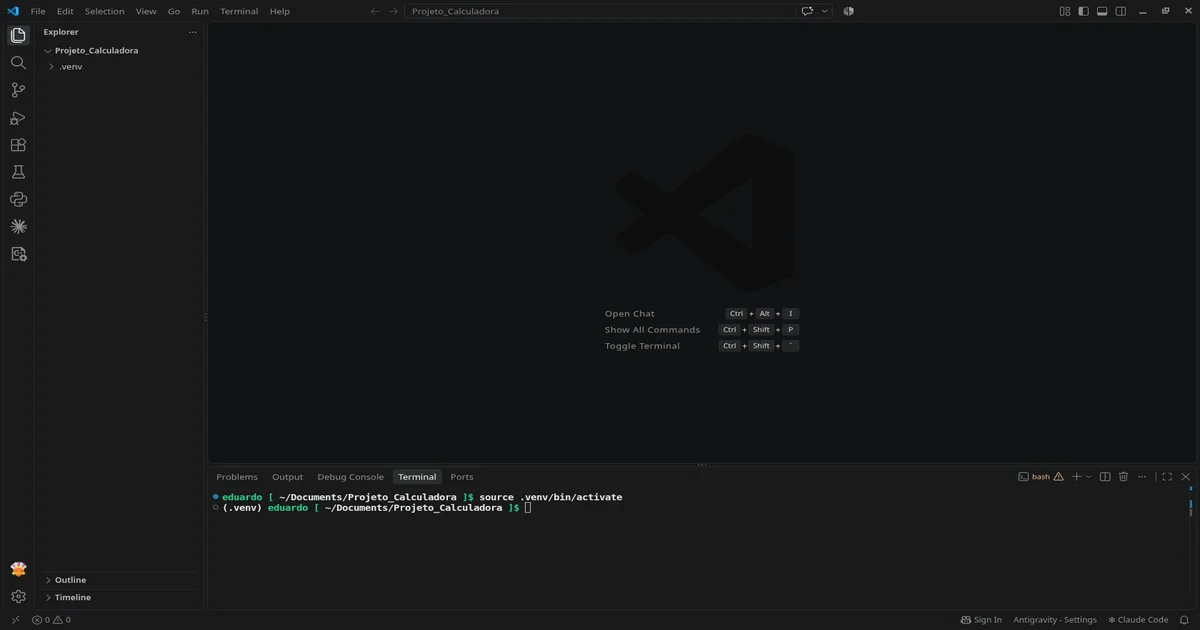
The .venv directory contains isolated Python binaries and packages. Now activate the virtual environment:
On Linux or macOS:
source .venv/bin/activate
On Windows:
.venv\Scripts\activate
Now you are ready to write your script:
# calculadora.py

print("=== SIMPLE PYTHON CALCULATOR ===")

num1 = float(input("Enter first number: "))
operacao = input("Choose operation (+, -, *, /): ")
num2 = float(input("Enter second number: "))

if operacao == "+":
    resultado = num1 + num2
elif operacao == "-":
    resultado = num1 - num2
elif operacao == "*":
    resultado = num1 * num2
elif operacao == "/":
    if num2 != 0:
        resultado = num1 / num2
    else:
        resultado = "Error: Division by zero is not allowed."
else:
    resultado = "Invalid operation."

print(f"Result: {resultado}")
To execute the program, run the following command in your terminal:
python calculadora.py
# or
python3 calculadora.py
Next Steps
Mastering how to program in python comes down to consistent coding, analyzing stack traces, and building practical software from day one. Start by adding extra arithmetic operations to this calculator script, and keep building as you learn.