5 Reasons to Switch from Windows to Linux for Good
Discover 5 key reasons why I decided to switch from windows to linux permanently—no dual boots or VMs needed. Boost performance, privacy, and gaming.
If you spend hours at your computer coding, creating content, or gaming, you've probably run into frustrating moments on Windows: forced restarts in the middle of a work session, unexplained memory spikes, or ads creeping into the Start menu.
Taking the leap to a new operating system feels daunting, but making the switch from Windows to Linux proved to be one of the most effective decisions for my daily workflow and system performance.
Here are the 5 key reasons behind this move and how each one transforms the desktop experience.
1. Full Hardware Control and an End to Invasive Telemetry
In today's corporate tech landscape, the default desktop OS often treats the user as the product. On Windows, disabling telemetry, built-in ads, search suggestions, and background tracking services requires deep registry tweaks that often get reverted after a major update. On Linux, your machine belongs to you again:
• Zero default tracking: Your habits, local searches, and personal files remain strictly private.
• No hidden processes: There are no shady background services indexing files or transmitting telemetry without your permission.
• Open-source transparency: Public source code ensures that the community and independent auditors continuously verify OS behavior.

2. Real Productivity: Powerful Terminal and Centralized Package Management
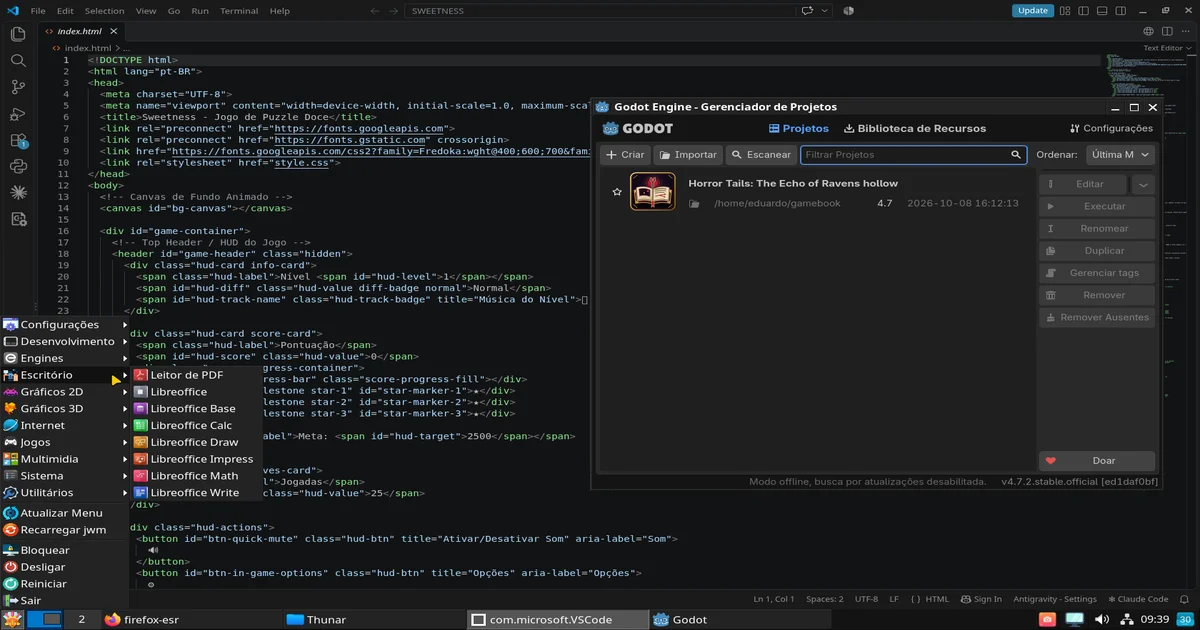
For software developers, automation script authors, or anyone who values sheer speed, Linux package management and the command line operate on a completely different level.
• Goodbye manual installers: No more searching the web, downloading .exe files, or unchecking bloatware installers. With a single command in your package manager (via terminal or app store), your entire OS, dev tools, and third-party apps update together.
• Streamlined automation: The native Unix ecosystem lets you write Bash scripts, manipulate text, and manage dev environments with a fluid integration that secondary tools on other platforms try to emulate but rarely match.
3. Extreme Resource Efficiency and Optimization
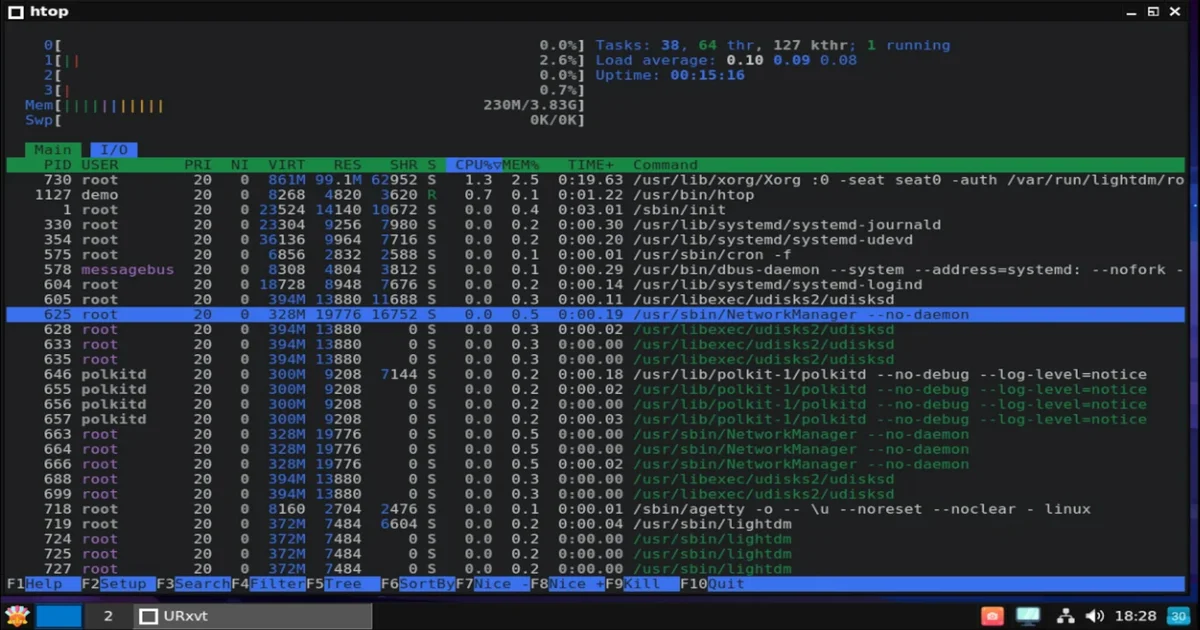
It's not uncommon for a modern proprietary OS to consume between 3 GB and 5 GB of RAM right after booting, even without any third-party applications running. On Linux, modularity lets you choose exact desktop environment overhead:
• Conscious memory footprint: Sleek, modern desktop interfaces routinely idle under 1 GB to 1.5 GB of RAM, leaving maximum headroom for code compilations, 3D rendering, or heavy dev tools.
• Hardware longevity: Older or mid-range machines get a genuine second life, running snappy without bottlenecks caused by redundant system background services.
4. The Gaming Landscape Has Changed: A Golden Era for Linux Gaming
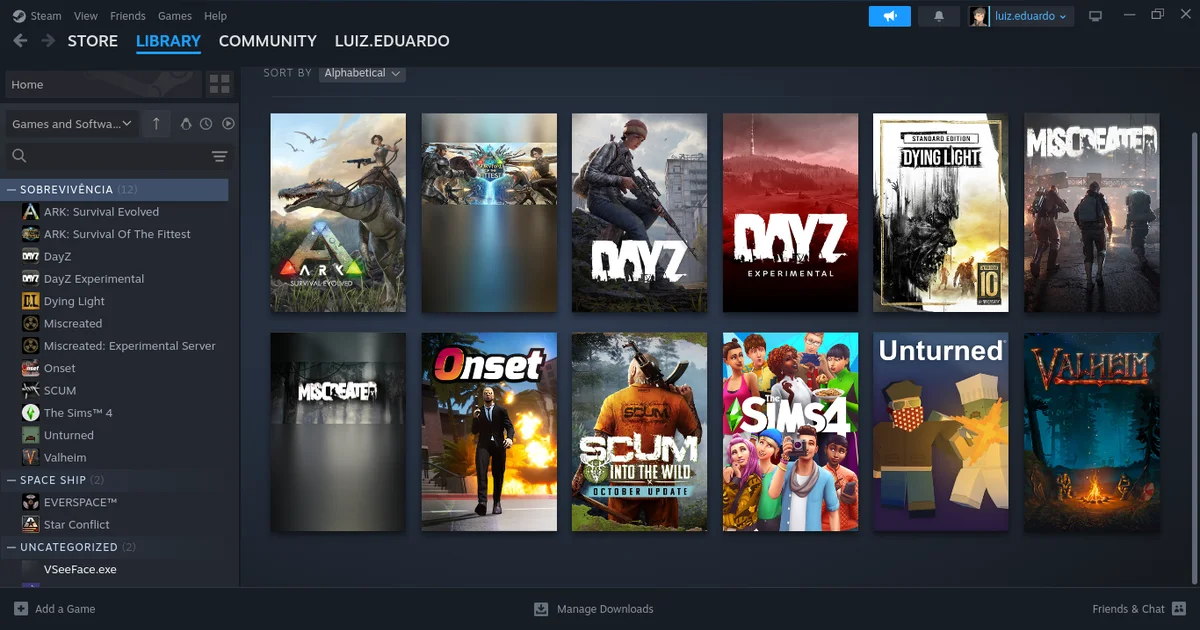
One of the most persistent myths is that Linux isn't suited for gamers. With the explosive evolution of compatibility layers like Proton (developed with Valve's backing) and the Vulkan ecosystem, that narrative has completely flipped.
| Previous Scenario | Current Reality |
|---|---|
| Scarce and unstable native ports | Instant execution of thousands of games via Steam and Proton |
| Complex GPU driver installations | Modern graphics drivers built directly into the kernel |
| Inferior performance compared to Windows | Equivalent performance, and even higher frame rates on Vulkan-based titles |
5. Freedom, Customization, and No More Forced Updates
Few things ruin momentum like having your machine force-reboot to install automatic updates while you're in the middle of a critical task.
• You decide when to update: Linux will never restart your PC against your will. System libraries, applications, and core components update in the background while you keep working undisturbed.
• Tailor-made environment: You choose your desktop interface (GNOME, KDE Plasma, XFCE, tiling window managers) and keyboard shortcuts to match your workflow, free from arbitrary corporate design decisions.
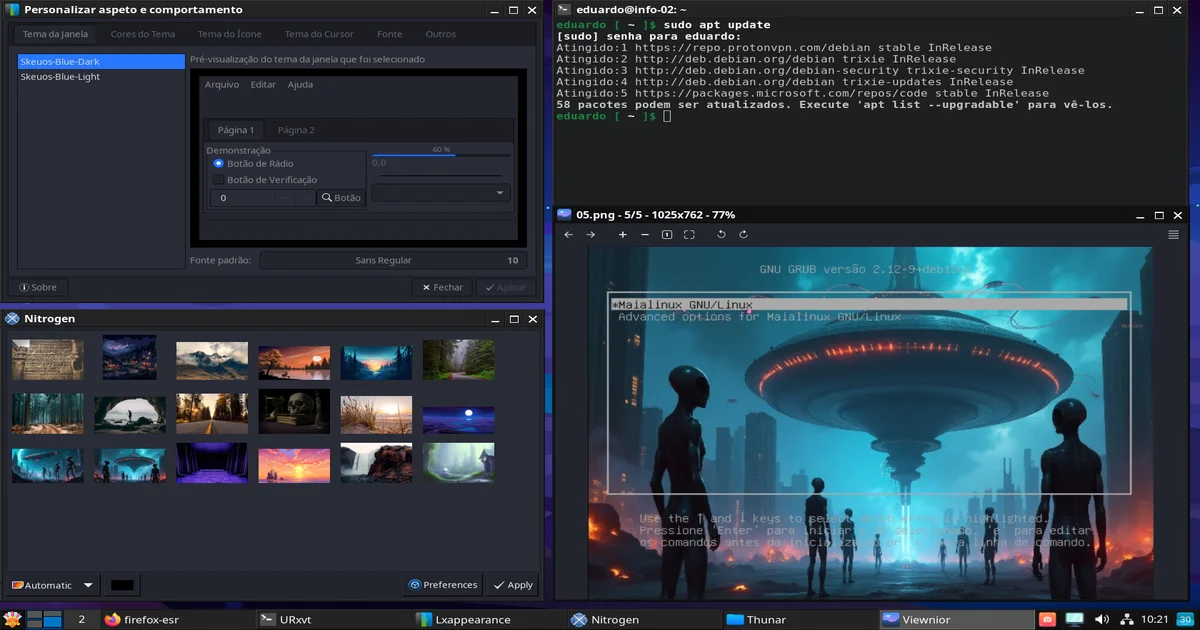
Is It Worth It to Switch from Windows to Linux?
Making the switch from Windows to Linux isn't about blind idealism; it requires a short adjustment period to get familiar with new workflows and tools. However, the gains in system stability, privacy, raw performance, and overall productivity far outweigh the initial learning curve.
If you want an operating system that respects your time and unleashes the full power of the hardware you paid for, testing a modern distribution via a bootable USB drive is the best place to start.