zram vs zswap: How to Optimize RAM in Linux
Understand the differences between zram vs zswap in Linux memory management, compare performance, and pick the best setup for your system.

When analyzing modern Linux memory management strategies, the zram vs zswap debate is one of the most critical discussions for anyone looking to extract maximum performance from a desktop or server. In high-load scenarios—where multiple build jobs, containers, and browser instances devour physical RAM—the kernel's memory subsystem must decide what to do with cold pages. The traditional answer—writing directly to swap on an SSD or NVMe drive—introduces unwanted latency and degrades storage lifespans. The two in-memory compression solutions solve this problem through completely different approaches.
Both technologies leverage CPU cycles to compress anonymous memory pages before they create system pressure, but their internal mechanisms, integrations with the virtual memory manager (VMM), and behavior under critical memory strain couldn't be more distinct. Understanding this architecture is essential to avoid the trap of configuring the wrong feature for your workload.
Why Has RAM Compression Become Essential in Linux?
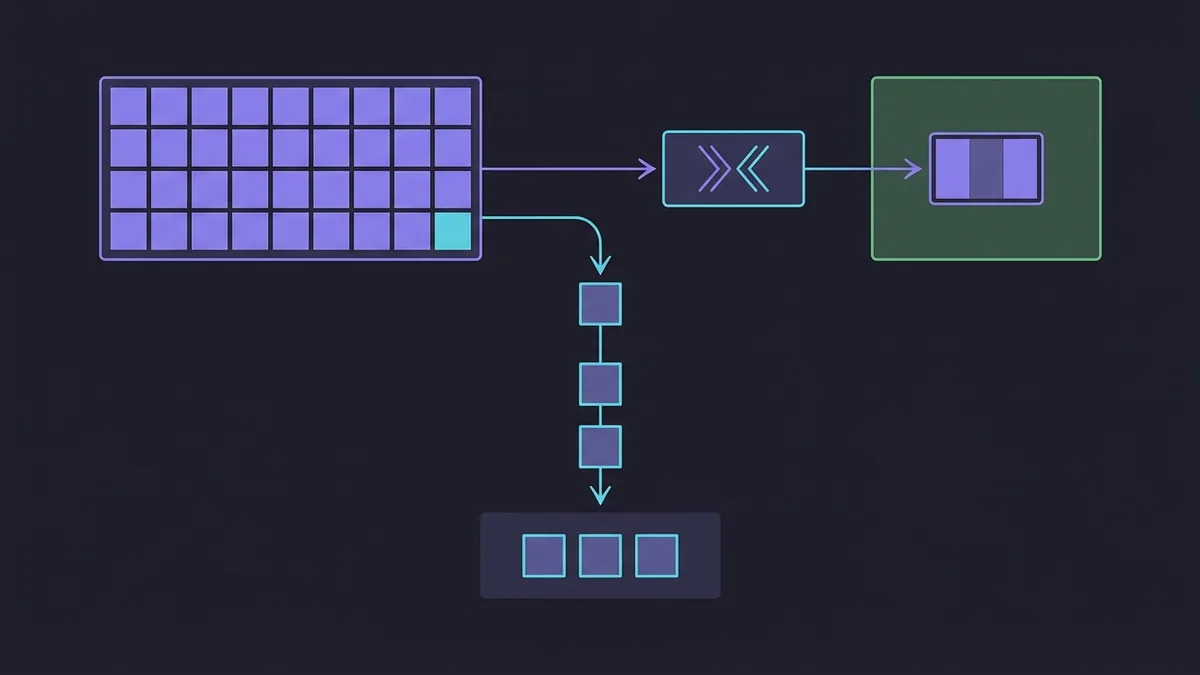
As application memory footprints grow, relying exclusively on disk-based swap creates severe input/output (I/O) bottlenecks. Even on modern NVMe drives with high transfer rates, block storage access latency is orders of magnitude slower than RAM bus speeds. When the Linux kernel needs to page out anonymous memory to disk, the requesting process enters an I/O wait state, causing visible UI freezes or API latency spikes.
Page compression takes advantage of the excess processing power of modern multi-core CPUs. Algorithms like zstd (Zstandard) deliver excellent compression ratios alongside extremely fast decompression speeds. By compressing inactive anonymous pages and keeping them inside physical RAM, the system accommodates substantially more data before touching an SSD or hard drive.
Modern distributions like Ubuntu 26.04.1 and Debian 13.7 take varying stances on default configuration for these subsystems. While the desktop ecosystem has heavily adopted zram to simplify installations without dedicated swap partitions, server environments and virtualization hosts demand a more careful evaluation of swap architecture.
What Is zram and How Does It Turn RAM Into Swap?
zram is a Linux kernel module that creates a virtual block device directly in RAM. To the storage subsystem and utilities like swapon and mkswap, this device behaves exactly like a physical disk or traditional swap partition. Pages sent to it are compressed in real time by the kernel and stored within zram's allocated memory space.
The defining feature of zram is that it is a standalone solution. It does not require a physical disk-backed swap device behind it. When you allocate 8 GB of swap on zram, the module dynamically reserves a fraction of physical RAM to store that compressed data. If a 4 KB page compresses down to 1 KB, the system saves 3 KB of actual physical memory.
On modern distributions running systemd, creating and initializing zram devices is automated via systemd-zram-generator. Configuration is handled through simple declarative files in /etc/systemd/.
# /etc/systemd/zram-generator.conf
[zram0]
zram-size = ram / 2
compression-algorithm = zstd
swap-priority = 100
In this example, the generator creates /dev/zram0 at boot with a size equal to half of physical RAM, using the zstd algorithm and swap priority 100. This deployment simplicity makes zram unbeatable on hosts without a physical swap partition.
What Are the Risks and LRU Inversion Pitfall in zram?
Despite its simplicity, zram has a major architectural limitation: it is a blind block device. The kernel treats zram as a final swap destination. Once zram hits its maximum allocated capacity, it lacks a native mechanism to automatically evict older pages and migrate them to a secondary SSD swap.
If you attempt to pair zram (high priority) with a physical disk swap (low priority), you will trigger the LRU (Least Recently Used) inversion phenomenon. Initially, zram fills up with cold pages. Once zram is completely full, the kernel starts pushing newer pages to disk swap. The outcome is disastrous: older, cold pages stay lodged in valuable compressed RAM inside zram, while recently used pages get written to the slow SSD. If memory exhausts entirely, the Out-Of-Memory (OOM) Killer will step in.
What Is zswap and How Does It Act as a Cache for Physical Swap?
Unlike zram, zswap is not a virtual block device. zswap is a compressed write-back cache sitting directly in front of the kernel's physical swap subsystem. It intercepts anonymous memory pages that the kernel attempts to write to swap and tries to compress them before they ever reach the disk.
When the Linux kernel decides to page out memory, zswap intercepts the call. If the page is compressible, it is stored in a dynamic memory pool (zpool) in RAM. If zswap becomes full or if a page cannot be compressed efficiently, zswap triggers writeback: it decompresses or passes the page straight through to the physical swap device configured on the system (whether an NVMe partition or swapfile).
This deep integration with kernel memory management ensures zswap respects end-to-end LRU page lifecycles. Truly inactive pages are eventually written to disk via eviction, freeing up space in compressed RAM for frequently accessed data.
zswap is configured using kernel parameters at boot or at runtime by checking and modifying files under /sys/module/zswap/parameters/.
# Verify if zswap is enabled in the kernel
cat /sys/module/zswap/parameters/enabled

# Change default compressor to zstd at runtime
echo zstd | sudo tee /sys/module/zswap/parameters/compressor

# Set maximum RAM allocation for zswap (e.g., 20%)
echo 20 | sudo tee /sys/module/zswap/parameters/max_pool_percent
This dynamic behavior makes zswap the preferred option for enterprise servers and workstations equipped with dedicated swap partitions and high-speed SSDs.
How to Compare zram vs zswap in the Linux Kernel Architecture?
To make an informed engineering decision, you must evaluate how each technology behaves across key infrastructure criteria. The table below summarizes the core structural differences between zram and zswap.
| Comparison Criterion | zram | zswap |
|---|---|---|
| Resource Type | Virtual block device in RAM | Compressed cache in front of physical swap |
| Disk Swap Requirement | Does not require physical swap | Requires a physical swap device |
| Eviction Mechanism | No automatic writeback to disk | Evicts cold pages to disk (writeback) |
| cgroups v2 Integration | Limited (memory isolated in block device) | Native and transparent in the VMM subsystem |
| LRU Inversion Risk | High (if combined with disk swap) | Nonexistent (managed by kernel) |
| Setup Complexity | Low (requires only systemd-zram-generator) |
Medium (requires existing swap and kernel tuning) |
Technical analysis shows that zram isolates management inside a block device mounted by user space or the system. Conversely, zswap operates as a direct extension of the anonymous paging layer. In containerized environments under strict cgroups v2 resource control, zswap stands out because memory accounting per container tracks actual usage precisely, whereas zram allocates block device memory that is accounted for generically within the kernel.
Furthermore, CPU overhead varies with memory churn rates. zram tends to exhibit lower initial write overhead because it lacks writeback decision logic, whereas zswap protects the host against worst-case scenarios where RAM becomes fully saturated by pinned cold pages.
Which Technology to Choose for Desktops, Servers, and Containers?
The right choice depends on your hardware topology and target workload profiles.
Case 1: Workstations and General-Use Laptops
For developer laptops, desktops with small SSDs, or single-board embedded systems, zram is almost always the better choice. On hosts without dedicated swap partitions, zram offers an instant safety net against memory exhaustion crashes without consuming valuable secondary storage.
The recommended setup here is running systemd-zram-generator configured to use 50% of physical RAM with the zstd algorithm, while disabling disk swap files to avoid LRU conflicts.
Case 2: Production Servers and High-Performance Workstations
For bare-metal servers, virtualization nodes, and heavy workstations equipped with fast NVMe drives, zswap is the clear winner. Because these environments already utilize swap files or partitions for system stability under heavy load, placing zswap in front of that storage dramatically reduces SSD write cycles without losing the ability to spill over during extreme usage spikes.
zswap ensures the host survives unexpected traffic bursts or temporary memory leaks without choking storage I/O or causing container OOM kills.
Key Kernel Tunings: The Importance of Swappiness
Regardless of choosing zram or zswap, the kernel's vm.swappiness parameter must be adjusted to account for ultra-fast RAM compression. The legacy default (vm.swappiness = 60) was designed for slow mechanical hard drives.
When using in-memory compression, increasing swappiness encourages the kernel to page out inactive anonymous memory earlier, leaving uncompressed RAM free for file cache (page cache).
# Apply aggressive swappiness suitable for compressed RAM
sudo sysctl vm.swappiness=100

# Make configuration permanent in /etc/sysctl.d/99-memory-tuning.conf
echo
Carefully evaluating zram vs zswap for your infrastructure ensures you maximize system responsiveness without compromising data integrity.