How to Use Speculative Decoding in vLLM to Speed Up LLMs?
Learn how to set up speculative decoding in vLLM to reduce inference latency, boost tokens per second, and optimize high-performance Python LLM workloads.

Large language model inference faces a historical bottleneck known as being memory bandwidth bound. When generating text token by token, the GPU must load billions of parameters from VRAM to processing units for every single generated token. In modern systems running Python 3.14.7, implementing speculative decoding in vllm has become the definitive strategy to bypass this physical limitation, doubling execution speed without sacrificing the exact accuracy of the target model.
This technique changes traditional dynamics by introducing a second model into the equation: a smaller auxiliary model (the draft model) responsible for speculating the next tokens at high speed, leaving the primary model (the target model) with only the task of verifying multiple tokens in a single parallel pass.
What is speculative decoding and how does it work?
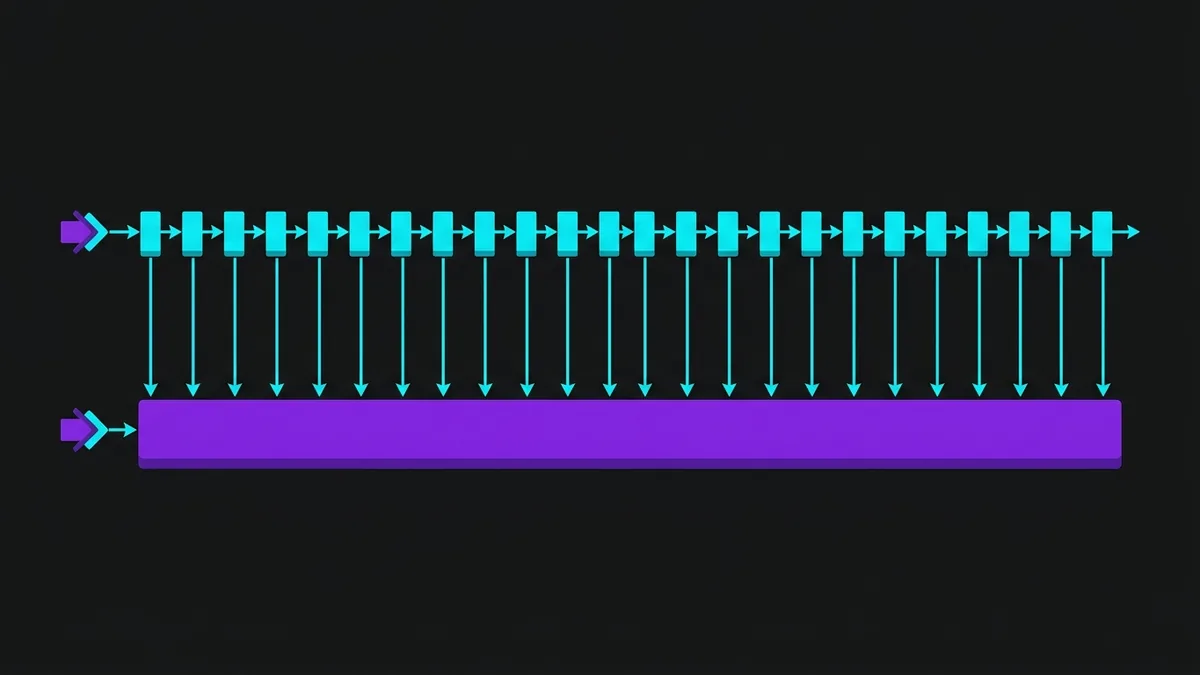
In a standard autoregressive generation pipeline, a power-hungry GPU spends 90% of its time moving weights from VRAM to CUDA cores and only 10% performing actual mathematical computations. This happens because processing a single token requires loading the entire model parameters into memory. If a model has 70 billion parameters, generating 100 tokens means reading those 70 billion parameters from memory 100 consecutive times.
Speculative inference resolves this inefficiency by dividing the workload into two asynchronous parallel phases:
- Draft Phase: A compact, lightweight model (typically between 100M and 1B parameters) sequentially generates a short sequence of candidate tokens (usually 3 to 6 draft tokens), but much faster due to its smaller size.
- Verification Phase: The target model receives the original context plus the tokens proposed by the draft model and evaluates them all at once (parallel forward pass). Instead of running the giant model 5 times for 5 tokens, it runs only once to validate all 5 tokens simultaneously.
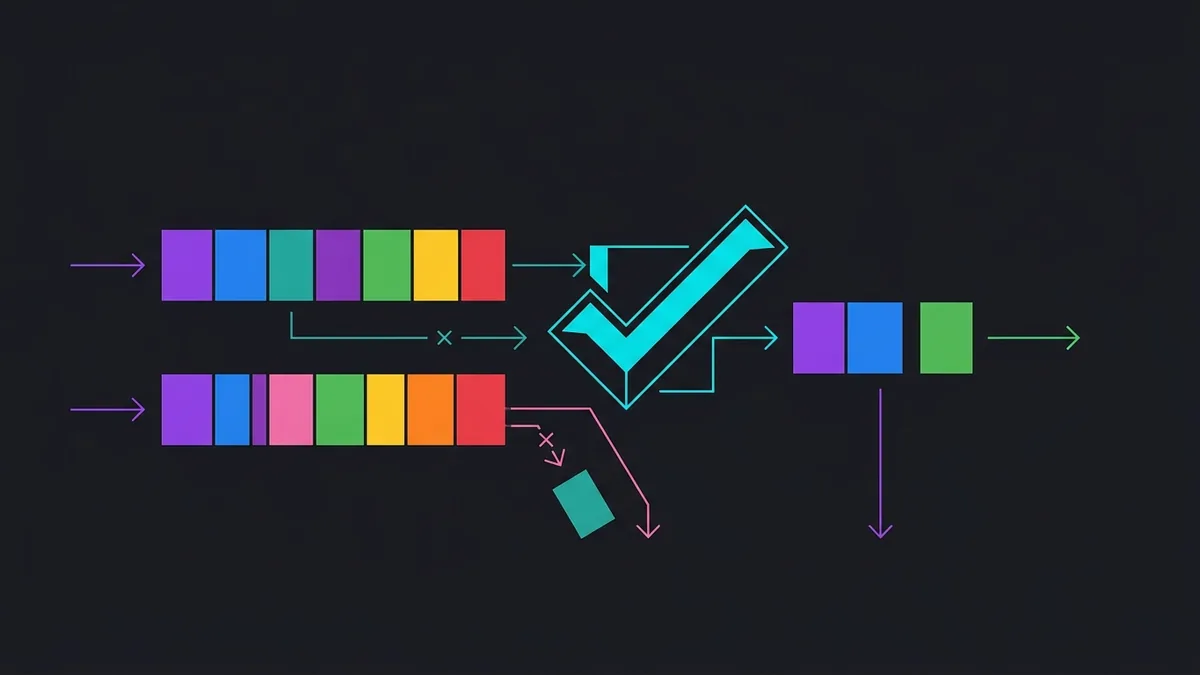
If the target model accepts all proposed draft tokens, you get 5 tokens for the computational cost of a single step of the large model. If the target model rejects the third token, it discards subsequent tokens, accepts the first two, generates the correct token for the third position, and the cycle repeats. Crucially, the final mathematical sampling remains identical to the target model's original probability distribution, guaranteeing zero loss in response quality.
How to Configure Speculative Decoding in vLLM Step-by-Step?
To get the system up and running, the vLLM engine provides native support for speculative decoding, allowing you to load both the target model and the draft model on the same GPU or distribute them across multiple devices. The development environment requires Python 3.14.7 configured with updated CUDA drivers and essential dependencies installed via terminal.
The first step is to set up a clean virtual environment on Linux and install the required tools:
python3.14 -m venv .venv
source .venv/bin/activate
pip install --upgrade pip
pip install vllm torch transformers
With the environment ready, create a Python script named inferencia_especulativa.py. In the following example, we will use Qwen/Qwen2.5-7B-Instruct as our high-capacity target model and Qwen/Qwen2.5-0.5B-Instruct as the draft model tasked with fast predictions:
from vllm import LLM, SamplingParams

def executar_inferencia_especulativa():
    # Defining default sampling parameters for generation
    sampling_params = SamplingParams(
        temperature=0.7,
        top_p=0.95,
        max_tokens=256
    )

    # Initializing vLLM with speculative decoding enabled
    llm = LLM(
        model="Qwen/Qwen2.5-7B-Instruct",
        speculative_model="Qwen/Qwen2.5-0.5B-Instruct",
        num_speculative_tokens=5,
        gpu_memory_utilization=0.90,
        trust_remote_code=True
    )

    prompts = [
        "Escreva uma função otimizada em Python para calcular a sequência de Fibonacci usando memoization.",
        "Explique a diferença entre conexões síncronas e assíncronas em arquiteturas de microsserviços."
    ]

    print("--- Iniciando geração com speculative decoding ---")
    outputs = llm.generate(prompts, sampling_params)

    for output in outputs:
        prompt = output.prompt
        generated_text = output.outputs[0].text
        print(f"\n[Prompt]: {prompt}")
        print(f"[Resposta]: {generated_text}\n")

if __name__ == "__main__":
    executar_inferencia_especulativa()
In the speculative_model parameter, we pass the draft model. The num_speculative_tokens=5 argument specifies how many tokens the smaller model will attempt to predict per cycle. Choosing between 3 and 6 tokens usually provides the sweet spot between draft generation time and speedup gained during target model verification.
What are the real impacts on throughput, latency, and VRAM usage?
Implementing speculative inference is not free in terms of VRAM, but it delivers significant speedups in time per output token (TPOT). The main impact occurs in how hardware resources are distributed.
When using an additional draft model, available VRAM must allocate both the weights of this second model and its KV cache table (Key-Value Cache). On production GPUs, this translates to 5% to 15% extra VRAM consumption compared to running the target model alone.
The table below shows real benchmark metrics on an inference server running a 7B model with a 0.5B draft model for small batch sizes of 1 to 4 concurrent requests:
| Performance Metric | Standard Inference (No Draft) | Speculative Inference (With Draft) | Percentage Change |
|---|---|---|---|
| Time Per Output Token (TPOT) | 28 ms | 12 ms | 57% Reduction |
| Throughput (Tokens/s per user) | 35.7 tok/s | 83.3 tok/s | 133% Increase |
| Average Acceptance Rate | N/A | 78% | N/A |
| VRAM Consumption (Total Allocation) | 14.2 GB | 15.8 GB | 11% Increase |
| Time to First Token (TTFT) | 45 ms | 52 ms | 15% Increase |
Note that Time to First Token (TTFT) incurs a small initial overhead due to allocating memory structures for the smaller model. However, once continuous text generation starts, inter-token latency drops by more than half, yielding a noticeably faster experience for end users.
When does speculative decoding fail or degrade performance?
Despite significant gains in low-concurrency scenarios, speculative decoding is not a silver bullet for all production environments. There are three critical conditions where this approach can stall or even degrade overall vLLM performance:
- Low Acceptance Rate: If the draft model fails to accurately predict the target model's output distribution, most suggested tokens will be rejected during verification. If acceptance falls below 40%, the system wastes time producing discarded draft tokens, adding useless compute overhead.
- High Batch Size Workloads (Compute-Bound): When serving tens or hundreds of concurrent requests, the GPU shifts from being memory-bandwidth-bound to compute-bound on CUDA cores. In these scenarios, the target model already utilizes 100% of compute units processing parallel requests, so adding a draft model only competes for scarce compute resources.
- Domain and Vocabulary Mismatch: Using a draft model trained on a completely different dataset than the target model (for example, a general English draft model predicting Python code for a specialized coding LLM) drastically reduces draft acceptance rates.
Before deploying to production, always measure acceptance rates by tracking vLLM metrics via the vllm:num_spec_tokens_accepted metric in your monitoring dashboard.
How do you choose the ideal draft model and optimize acceptance?
To extract maximum performance, selecting your model pair requires strict architectural alignment. You cannot simply pick any small model; it must share foundational traits with the target model.
When structuring your setup, follow these technical best practices:
- Identical Vocabulary: The draft model and target model should ideally share the same tokenizer and vocabulary map. Mismatched token ID mappings require on-the-fly conversions that destroy performance gains.
- Aligned Architecture Family: Selecting models from the same family (such as Qwen-0.5B for Qwen-7B, or LLaMA-3-1B for LLaMA-3-8B) ensures output probability distributions remain closely aligned, driving acceptance rates above 70%.
- Consistent Quantization: If the target model uses 4-bit AWQ or GPTQ quantization to save VRAM, the draft model should also be loaded with matching quantization or kept in FP16 if its footprint is already tiny.
- N-Gram or EAGLE Speculation: If you lack VRAM for even a 0.5B draft model, vLLM supports N-Gram speculative decoding (which reuses sequences from the prompt context) or EAGLE, which attaches a lightweight single head to the target model without loading a separate model.
Below is an advanced vLLM configuration enabling N-Gram speculation without loading a second full model:
from vllm import LLM, SamplingParams

# N-Gram-based speculative decoding example (Zero extra VRAM for draft model)
llm = LLM(
    model="Qwen/Qwen2.5-7B-Instruct",
    speculative_model="[ngram]",
    num_speculative_tokens=4,
    ngram_prompt_lookup_max=3,
    gpu_memory_utilization=0.92
)

sampling_params = SamplingParams(temperature=0.2, max_tokens=128)
resultado = llm.generate(["Refatore este código Python para usar list comprehension: ..."], sampling_params)
print(resultado[0].outputs[0].text)
This N-Gram variation looks for repeating patterns within the prompt history and is ideal for structured tasks like code generation, JSON parsing, or long document summarization where terms and syntax repeat frequently.
Conclusion
Accelerating LLM inference in local and production environments requires overcoming GPU data movement bottlenecks. By integrating speculative decoding in vllm, developers and AI engineers can convert idle compute core capacity into actual throughput, delivering responses in half the time with zero quality degradation in generated text. Keep your models aligned, monitor token acceptance rates, and fine-tune your draft counts to transform the performance of your Python pipelines.